01 · The board
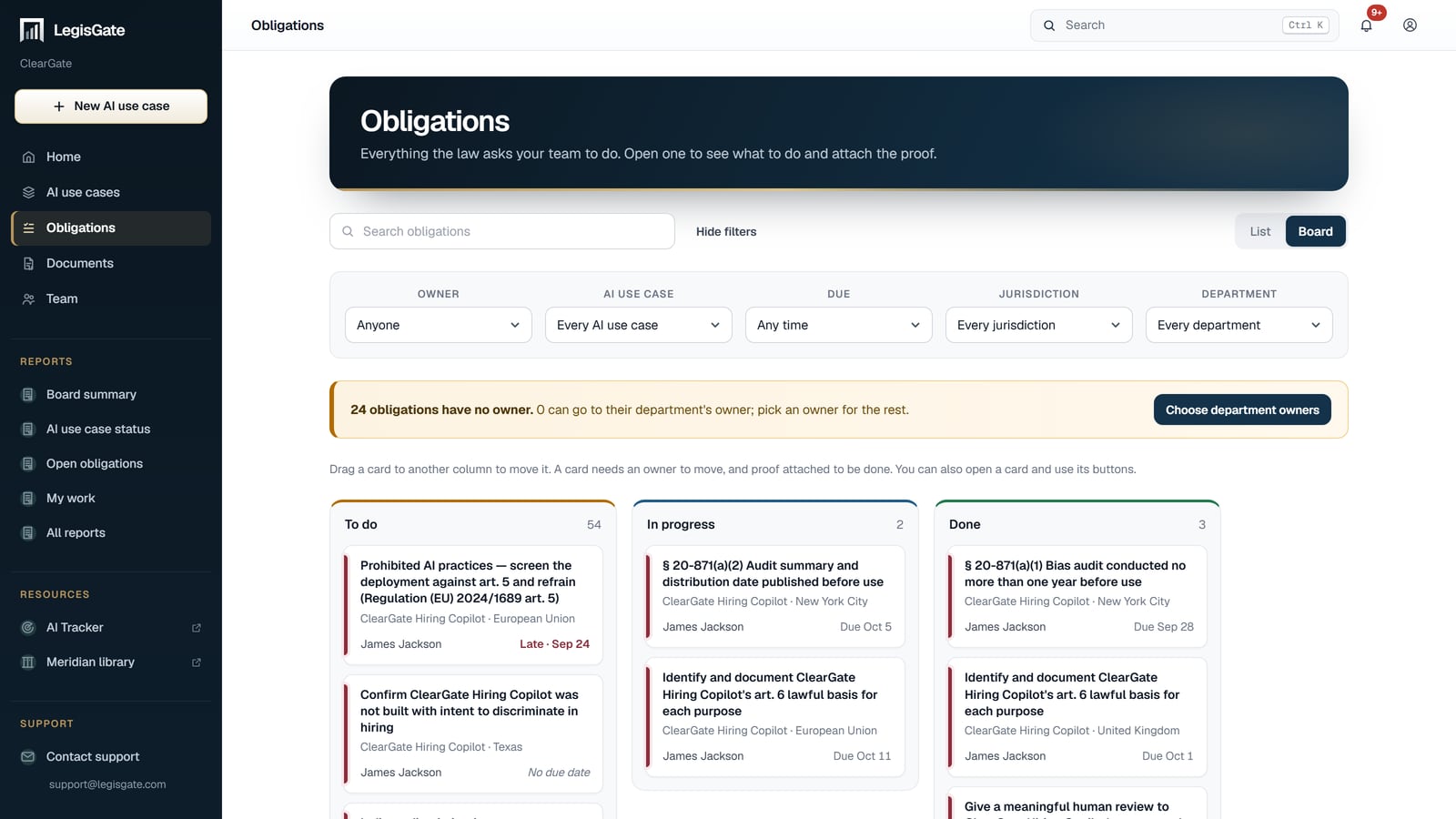
To do, in progress, done
A card needs an owner to move, and proof attached to be done. Drag it to another column, or open it and use its buttons.
- An owner and a due date you assign
- Proof attached as a file
- Late work shown on the card

For risk and compliance teams
Obligations come from the laws that apply. Your team assigns each one, attaches the proof and sees what is late, without rebuilding a spreadsheet for every AI use case.
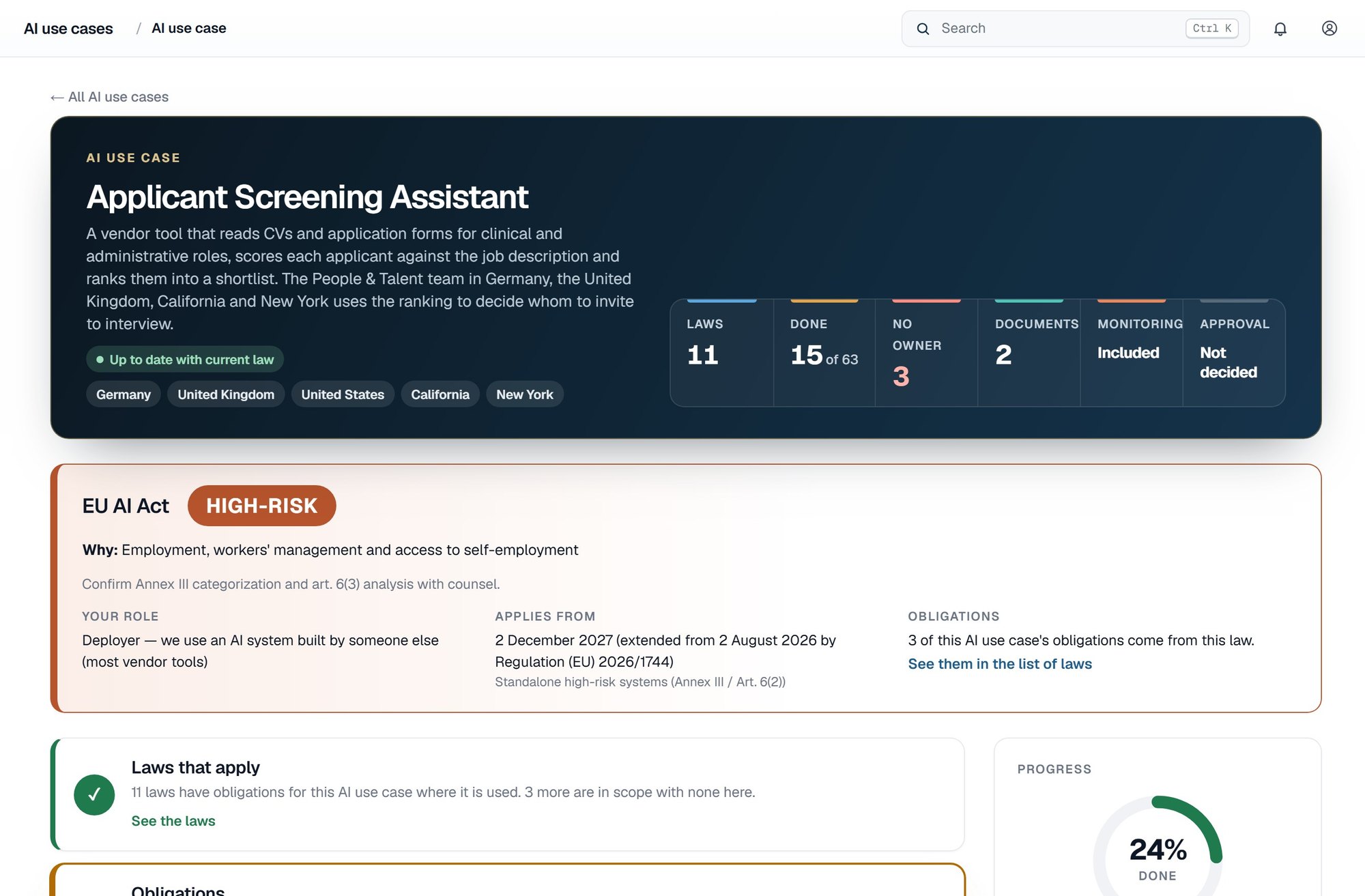
How the work runs
Every obligation from every AI use case sits on one board your whole team can use. There is no charge per user.
01 · The board
A card needs an owner to move, and proof attached to be done. Drag it to another column, or open it and use its buttons.
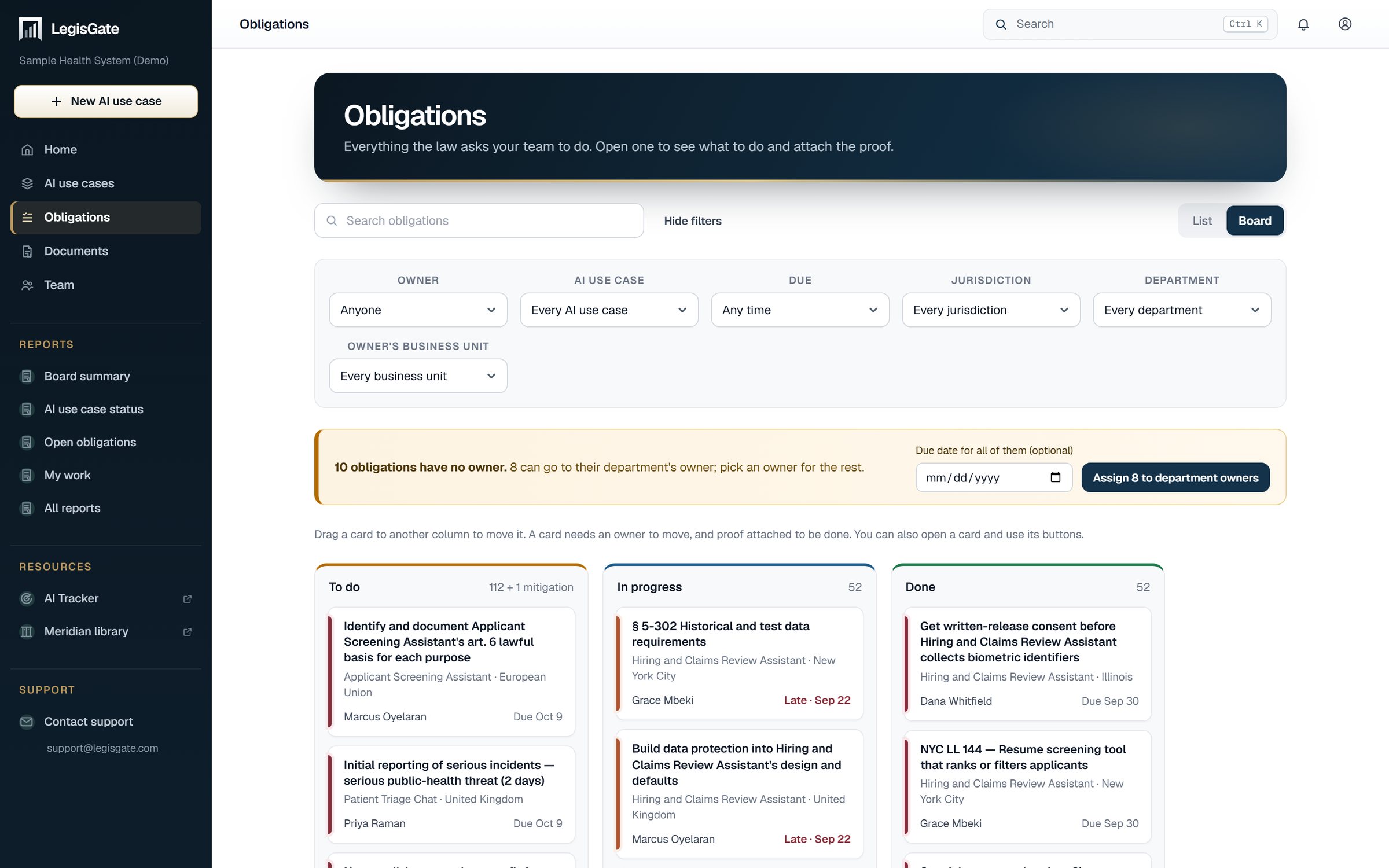
02 · The filters
Filter by owner, AI use case, due date, jurisdiction, department and business unit.
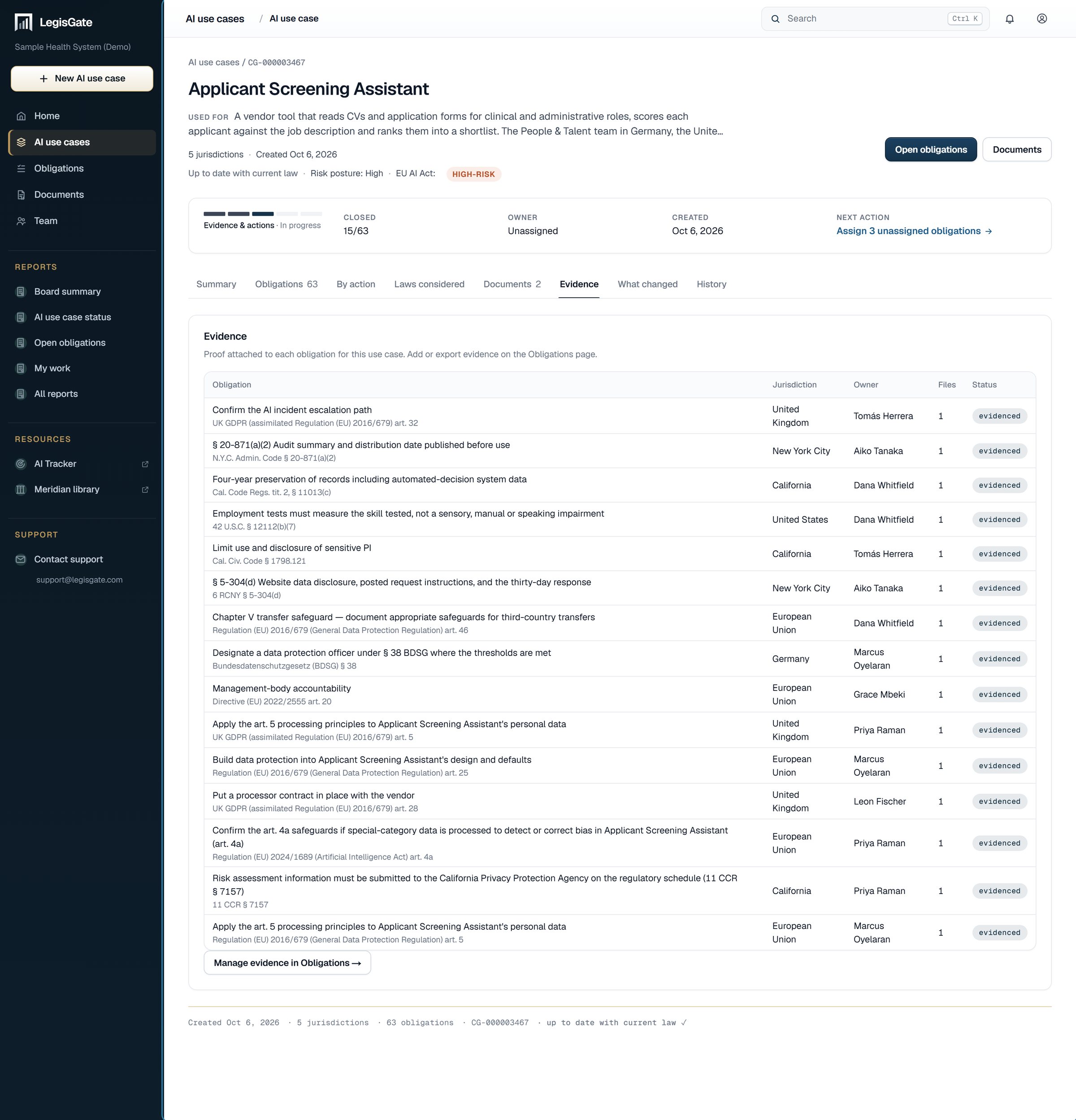
03 · The evidence
The Evidence tab of an AI use case lists each obligation and the proof attached to it.
Where your judgment comes in
A determination tells you what attaches to an AI use case. It does not tell you that you have met the law. Whether it is sufficient is for your counsel.

Getting started
Begin with the AI use case that carries the most regulatory exposure.